> ## Documentation Index
> Fetch the complete documentation index at: https://docs.magnific.com/llms.txt
> Use this file to discover all available pages before exploring further.
# Overview
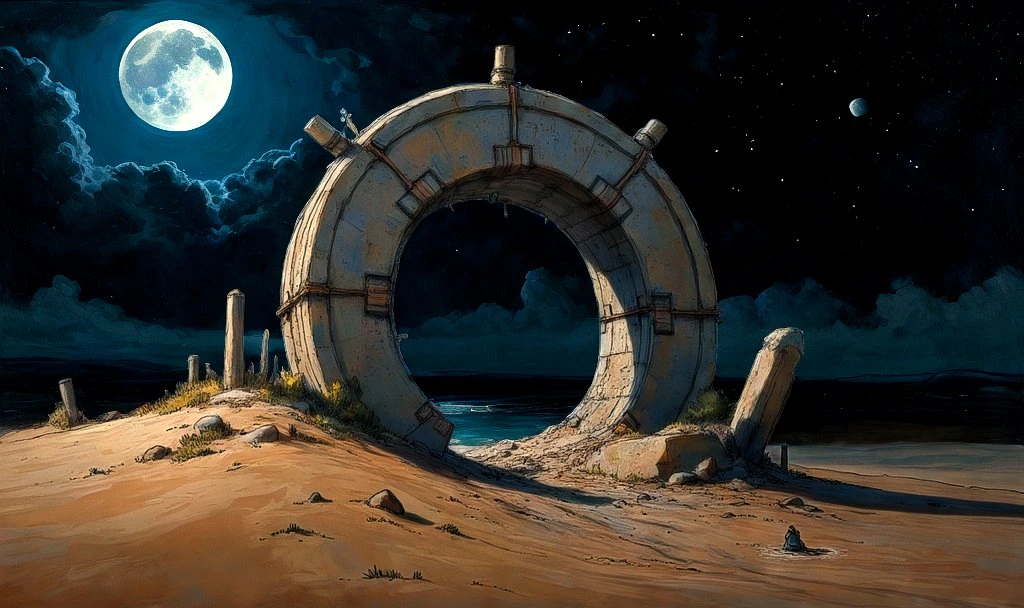
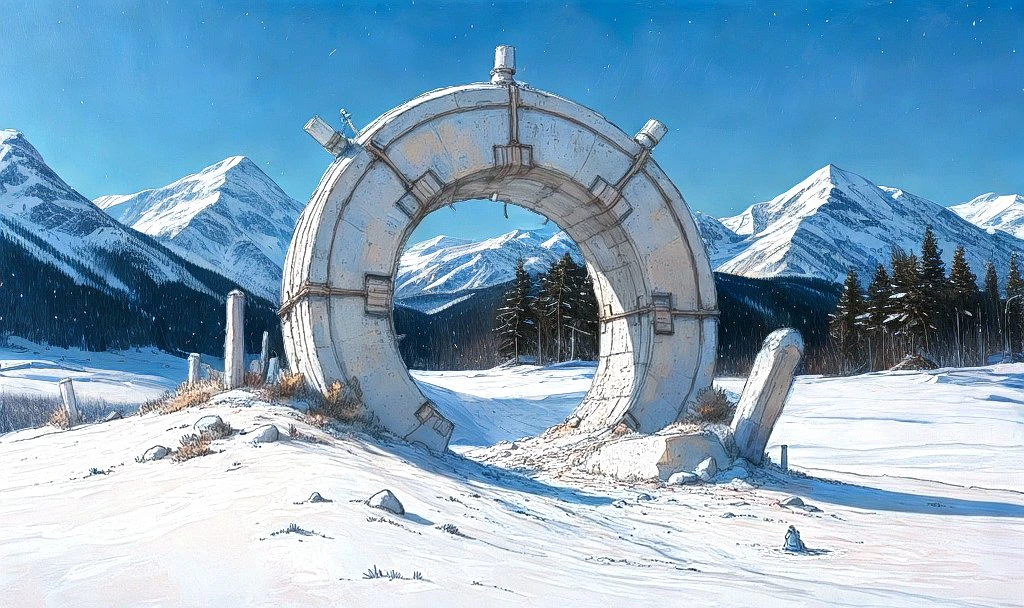
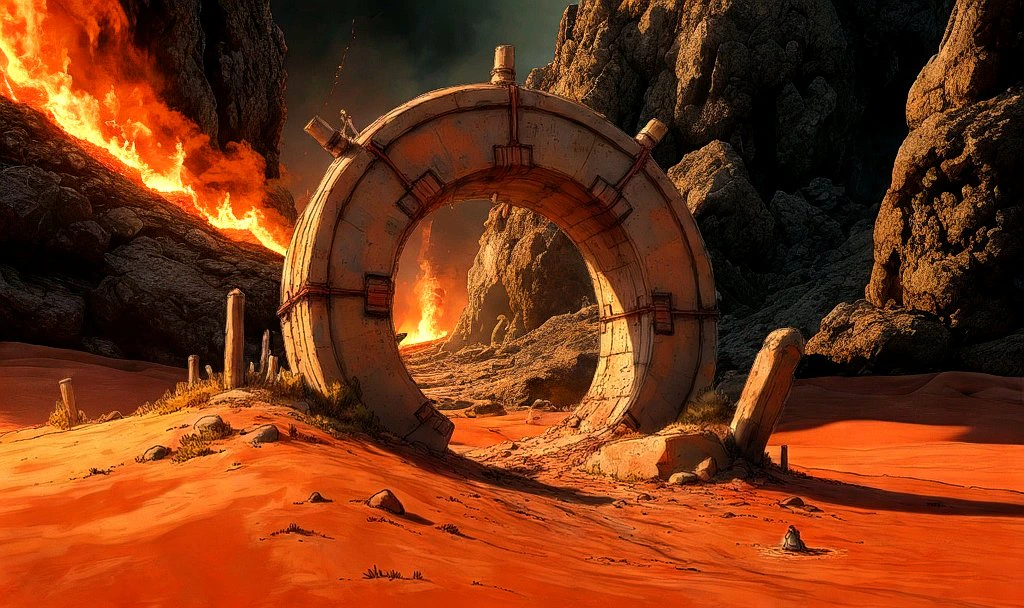
Image Relight allows you to change the entire lighting of a scene and, optionally, the background using:
1. A prompt
2. A reference image
3. A light map
This tool can simulate different lighting scenarios, enhance details, and create artistic effects. Our API lets you transform your images with custom prompts and fine-tuned parameters for impressive results.
Image Relight uses Magnific.ai technology, now available as a comprehensive API service.
### Use Cases
The Image Relight can be applied to a wide range of image types and industries, including:
* Portraits: Change lighting to enhance facial features
* Product photography: Adjust lighting for better presentation
* Architectural renderings: Simulate different times of day
* Film stills: Create dramatic lighting effects
* Graphic design: Add creative lighting to designs
* Nature photography: Enhance natural light conditions
### Selecting Light Transfer Method
Choose one of these three ways to transfer light in Image Relight:
1. **Prompt** Describe the desired lighting using text. Specify characteristics like color, time of day, type and shape of light.
Example: "A sunlit forest clearing at golden hour" or "Under the water"
2. **Reference Image** Provide an image to transfer lighting from. Image Relight will replicate the light, colors, and shadows from this reference.
3. **Lightmap** Create custom lighting with your own lightmap image:
* Black represents absence of light
* Lighter colors (including white) indicate presence, color, and shape of light sources
Relight an image using AI
Get the status of a relighting task
Get the status of all relighting tasks
### Image Input Best Practices
For maximum quality results, how you send your image matters:
| Action | Quality Impact |
| ------------------------------------------ | -------------------------- |
| Send URL of original image | ✅ Maximum quality |
| Send base64 of original file read directly | ✅ Maximum quality |
| Use `canvas.toDataURL('image/jpeg')` | ❌ \~8% quality loss |
| Use `canvas.toDataURL('image/jpeg', 0.8)` | ❌ \~20% quality loss |
| Resize image before sending | ❌ Significant quality loss |
| Convert PNG → JPEG before sending | ❌ Quality loss |
**Recommended:** Send the original image via URL whenever possible. This ensures the AI receives the highest quality input, which directly impacts output quality.
### Frequently Asked Questions
Yes! Magnific.ai is part of Magnific and we are happy to offer the same technology in an API service. If you tried Magnific.ai before, you will get the same technology and its future updates.
The cost per image relight is a fixed cost of €0.10 per operation. This ensures that you have complete transparency and control over your usage.